An AI receptionist can answer a call politely, take a name and capture a message. But if that information never reaches the system your team actually uses, the work is only half done.
Someone still has to copy the details. Someone still has to decide who owns the follow-up. And a valuable enquiry can still sit unseen in an inbox.
That is why your AI receptionist is only as useful as the systems it connects to.
Good AI receptionist CRM integration should turn a conversation into a clear, visible and owned next step. It should reduce admin, preserve useful context and help your team act quickly.
Why AI receptionist CRM integration matters
Your CRM, or customer relationship management system, is where your business keeps track of customers, prospects and conversations.
If your AI receptionist operates outside it, you create a separate pocket of information. The call may have been answered, but the team still needs to find the details and move them into the normal workflow.
A useful integration closes that gap.
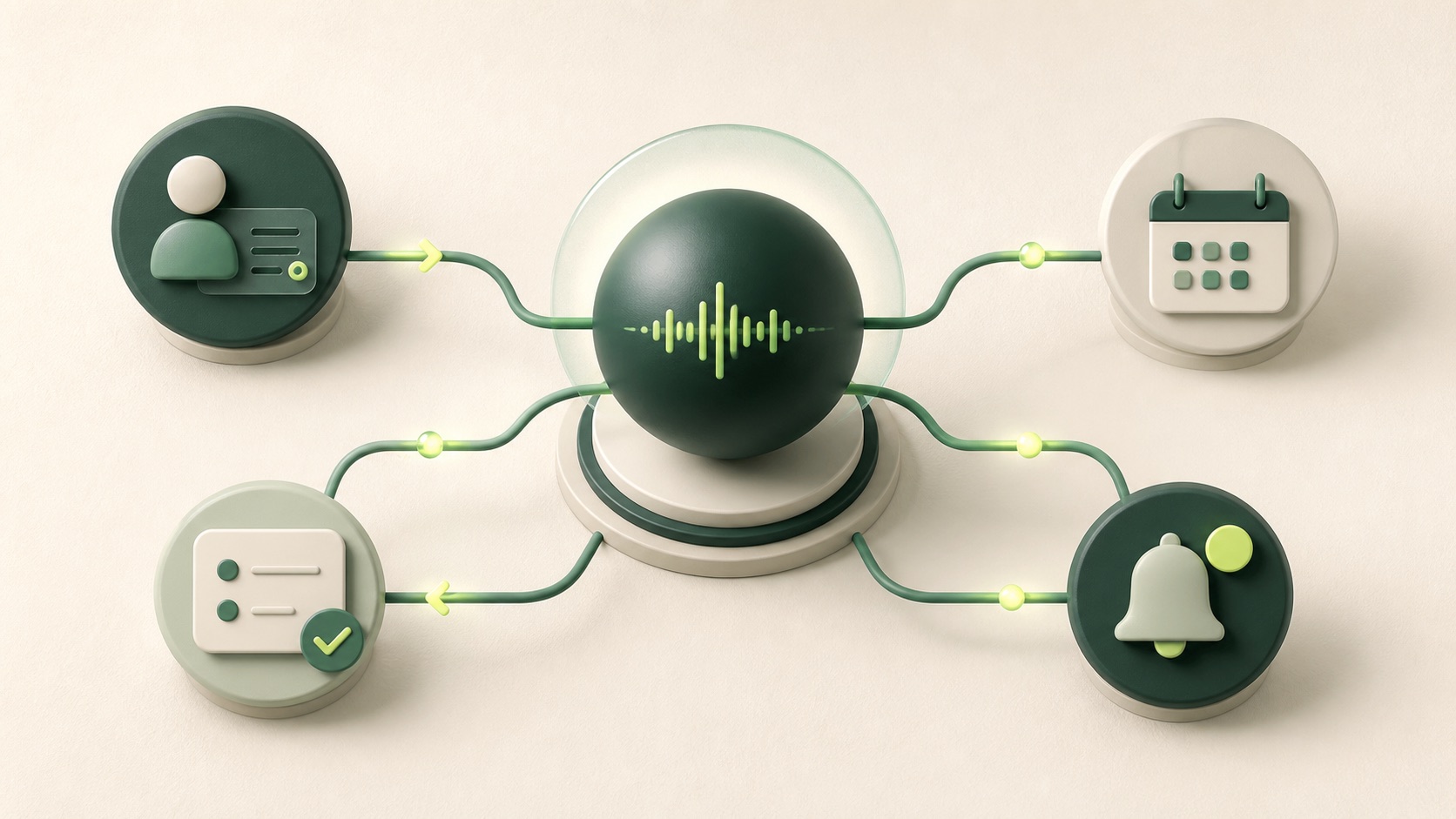
After a call, the right setup might:
- Find the existing contact or create a new one
- Save the caller's reason for getting in touch
- Record the outcome of the call
- Add a concise summary to the customer record
- Create a follow-up task for the right person
- Book an appointment in the connected calendar
- Update a lead stage or service ticket
- Alert the team when something needs urgent attention
This is not a theoretical capability. For example, HubSpot provides APIs for creating and managing contacts, while its calls API can log a call and associate it with an existing contact or company. Microsoft Dataverse, which sits behind Dynamics 365, also supports creating, updating and matching records through its web API.
The technical connection is possible. The bigger question is whether it reflects the way your business actually works.
A transcript is not a workflow
A full call transcript can be useful for checking detail, but it is rarely the best thing to drop in front of a busy salesperson, receptionist or service manager.
They usually need a small set of facts:
- Who called
- Why they called
- What was agreed
- What needs to happen next
- Who owns that action
- When it is due
That information should be saved in the fields and format your team already understands.
For a property business, that might mean budget, preferred area, moving date and viewing availability. For a dental practice, it might mean the type of appointment requested and suitable times. For a trades business, it could include the postcode, job type and level of urgency.
The details change. The principle does not.
Do not just save more data. Save the right data in the right place.
Five things a useful CRM connection should do
1. Match the caller to the right record
The integration should check whether the caller already exists before creating another contact.
Phone number and email address are common matching points, but the rules need care. Shared numbers, different number formats and incomplete details can all produce mistakes.
Decide what counts as a reliable match and what should be sent to a person for review.
2. Capture structured information
A short summary is helpful. Structured fields are even more useful.
When the AI receptionist saves details such as enquiry type, location, appointment date or lead source in defined CRM fields, the information can be filtered, reported on and used in later workflows.
Free text alone is harder to use consistently.
3. Trigger the next action
The connection should do more than record what happened.
It might assign a task, move a deal, create a ticket, send a confirmation or notify an on-call colleague. The right action depends on the call outcome.
A new sales enquiry should not follow the same path as a cancellation, support issue or supplier call.
4. Handle failures and duplicates safely
Integrations fail sometimes. A CRM may be unavailable, a required field may be missing or a record may not match cleanly.
Your process needs a safe fallback.
That could mean retrying the update, placing the call in a review queue and alerting a named person. The important point is that a failed write must not look like a successful handover.
5. Give people the right level of access
An AI receptionist should only read and write the information it needs for the job.
The Information Commissioner's Office says organisations need a valid lawful basis before handling personal information. Its data minimisation guidance also says personal information should be adequate, relevant and limited to what is necessary.
In practice, that means deciding which CRM fields the receptionist can see, what it can change, how long recordings or transcripts are kept and when a human should take over.
Start with the business outcome, not the connector
It is tempting to begin by asking whether an AI receptionist integrates with your CRM.
That question is too broad. A connector may exist without supporting the workflow you need.
Start with a real call and map what should happen after it.
For example:
- A new prospect calls outside office hours
- The AI receptionist asks a small set of qualification questions
- It creates or updates the contact in the CRM
- It records the enquiry type and relevant details
- It assigns the lead to the correct person
- It creates a follow-up task for the next working morning
- It sends the caller an agreed confirmation
- It alerts the team if any part of the handover fails
Once that flow is clear, you can assess the integration properly.
Questions to ask before you connect an AI receptionist to your CRM
Use these questions when reviewing a proposed setup:
- Which system is the source of truth for customer details
- How will existing callers be matched to records
- Which fields will the AI receptionist read and update
- What information must be captured on every relevant call
- Which outcomes should create tasks, tickets or appointments
- Who owns each type of follow-up
- How will duplicate records be prevented or reviewed
- What happens if the CRM is unavailable
- How will failed updates be detected and resolved
- What personal information is genuinely necessary
- How will the team test that the workflow works from end to end
If those answers are vague, the integration is not ready.
The best receptionist is part of the team
A strong AI receptionist does not sit on the edge of the business, passing messages into another inbox.
It works inside the same processes as your team. It puts useful information where people expect to find it, starts the right next step and makes exceptions visible.
The voice matters. The conversation design matters. But the real value appears when the call becomes action.
Want to connect your calls to the systems your team already uses?
Book a free voice AI audit. We will map your current call flow, CRM and follow-up process to find where a connected AI receptionist could save time and capture more opportunities.
Request your free audit ↗